
Creating a productive and healthy workspace goes far beyond choosing attractive furniture or maximizing floor space. Office buildout ergonomic design principles are essential for supporting employee well-being, boosting efficiency, and reducing the risk of workplace injuries. As organizations rethink their environments to accommodate changing work habits and expectations, understanding these principles is more important than ever.
In this article, we’ll break down the core elements of ergonomic planning for office buildouts, from workstation layout to lighting and acoustics. By applying these strategies, companies can create spaces that not only look good but also promote comfort and long-term health for everyone who uses them.
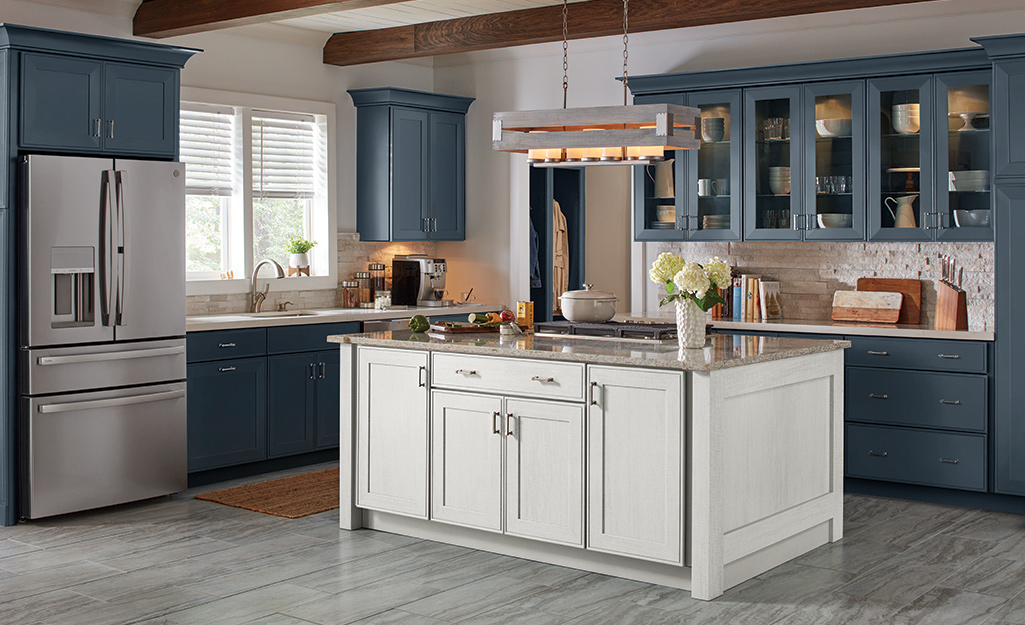
Before diving into the details of ergonomic office planning, it’s worth noting that similar attention to detail can transform other areas of your workspace. For example, if you’re interested in optimizing kitchen layouts for efficiency and comfort, take a look at kitchen remodeling compact kitchen ideas for inspiration.
Understanding Ergonomics in Office Buildouts
Ergonomics is the science of designing environments to fit the people who use them. In the context of office buildouts, this means creating workspaces that minimize strain, support natural movement, and adapt to individual needs. The goal is to reduce discomfort and injury, while also enhancing focus and productivity.
When planning a new office or renovating an existing one, ergonomic considerations should be integrated from the earliest stages. This involves more than just selecting adjustable chairs—it’s about the entire environment, including desk heights, monitor placement, lighting, and even the arrangement of communal areas.
Key Elements of Ergonomic Office Design
Applying ergonomic design principles to office buildouts requires a holistic approach. Here are the most important factors to consider:
Workstation Layout and Furniture Selection
The foundation of any ergonomic workspace is the individual workstation. Desks should allow for a neutral posture, with elbows at a 90-degree angle and wrists straight while typing. Chairs must provide lumbar support and be adjustable in height and tilt. Monitor stands or arms help position screens at eye level, reducing neck strain.
Consider the following tips for optimal workstation setup:
- Choose desks with adjustable heights or invest in sit-stand desks for flexibility.
- Ensure chairs have adjustable seat depth, armrests, and back support.
- Position monitors about an arm’s length away, with the top of the screen at or just below eye level.
- Keep frequently used items within easy reach to avoid excessive stretching or twisting.
Lighting and Visual Comfort
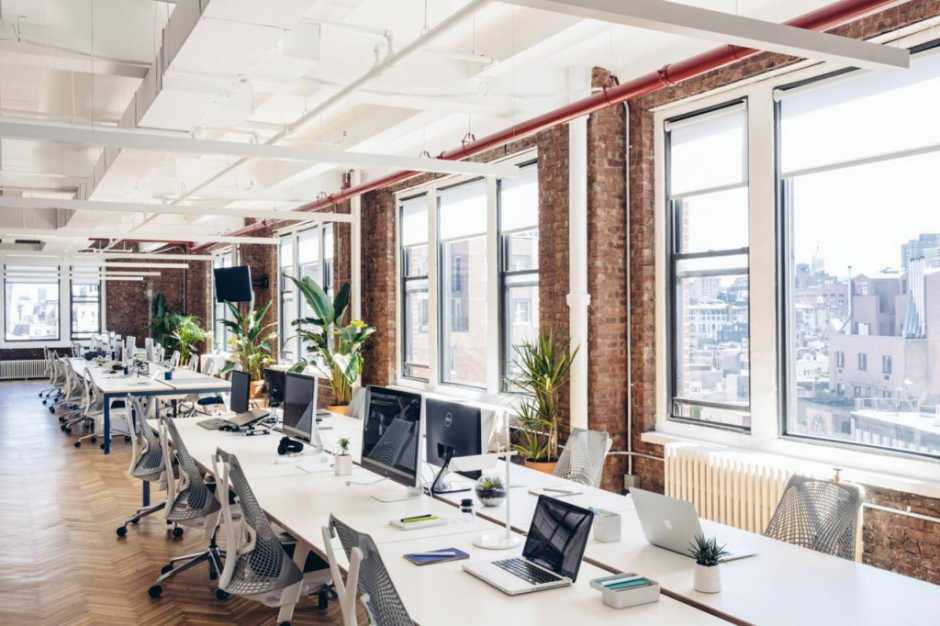
Proper lighting is a critical but often overlooked aspect of office buildout ergonomic design principles. Poor lighting can lead to eye strain, headaches, and reduced productivity. Natural light is ideal, but when that’s not possible, a combination of ambient and task lighting works best.
- Maximize daylight by positioning workstations near windows, but use blinds or shades to reduce glare.
- Install adjustable task lights at each desk for focused activities.
- Choose bulbs with a color temperature that mimics natural daylight (around 5000K) for general office areas.
- Ensure screens are positioned to minimize reflections and glare from overhead lights or windows.
Acoustics and Noise Control
Noise is a common source of distraction and stress in open-plan offices. Ergonomic design addresses this by incorporating sound-absorbing materials, strategic layout, and quiet zones for focused work. According to guidance on open-plan office design, balancing collaborative spaces with private areas is key to maintaining comfort and productivity.
- Use acoustic panels, carpets, and ceiling tiles to dampen sound.
- Designate quiet zones or private rooms for tasks requiring concentration.
- Arrange collaborative areas away from individual workstations to reduce noise spillover.
- Consider white noise machines or background music to mask distracting sounds.
Movement and Flexibility in the Workplace
Static postures are a leading cause of discomfort and musculoskeletal issues in office environments. Encouraging movement throughout the day is a core part of ergonomic planning. This can be achieved by designing spaces that support a variety of work styles and activities.
Some effective strategies include:
- Providing sit-stand desks or height-adjustable tables.
- Creating informal meeting areas with lounge seating or high-top tables.
- Designing circulation paths that encourage walking and collaboration.
- Incorporating amenities like break rooms, wellness rooms, or outdoor spaces for regular breaks.

Technology Integration and Ergonomics
Modern offices rely on technology for nearly every task, so it’s important to consider how devices fit into ergonomic planning. Cables, docking stations, and multiple monitors should be organized to reduce clutter and allow for easy adjustments. Wireless peripherals and voice-activated controls can further enhance comfort and flexibility.
Key considerations include:
- Using monitor arms for dual-screen setups to allow independent adjustment.
- Providing cable management solutions to keep work surfaces clear.
- Offering wireless keyboards and mice to minimize repetitive strain.
- Ensuring video conferencing equipment is positioned at eye level for virtual meetings.
Supporting Employee Wellness Through Ergonomic Design
Beyond the physical environment, a well-designed office supports overall wellness. This includes access to natural light, indoor plants, healthy snacks, and spaces for relaxation. Training employees on proper workstation setup and encouraging regular movement are also vital for long-term health.
Companies that invest in ergonomic buildouts often see benefits such as reduced absenteeism, higher job satisfaction, and improved retention. By prioritizing comfort and adaptability, organizations create a culture that values both productivity and well-being.
Common Mistakes to Avoid in Ergonomic Office Buildouts
Even with the best intentions, it’s easy to overlook certain aspects of ergonomic planning. Here are some frequent pitfalls:
- Choosing style over substance—prioritizing aesthetics over comfort and adjustability.
- Ignoring individual differences—assuming one size fits all for desks, chairs, and equipment.
- Neglecting lighting and acoustics—focusing only on furniture and layout.
- Failing to involve employees in the planning process—missing valuable feedback on real needs.
- Overlooking the importance of movement—designing spaces that encourage prolonged sitting.
By keeping these common mistakes in mind, organizations can create more effective and supportive work environments.
FAQs About Ergonomic Principles in Office Buildouts
What are the main benefits of applying ergonomic design to office buildouts?
Implementing ergonomic strategies in office planning leads to improved employee comfort, reduced risk of musculoskeletal injuries, higher productivity, and greater job satisfaction. These benefits can also translate into lower healthcare costs and better staff retention for organizations.
How can companies ensure their office buildout meets ergonomic standards?
Start by consulting with ergonomic specialists or workplace designers who understand office buildout ergonomic design principles. Involve employees in the process, conduct regular assessments, and provide adjustable furniture and equipment. Ongoing training and feedback help maintain ergonomic standards over time.
Can small offices or limited budgets still achieve ergonomic improvements?
Absolutely. Even modest changes—such as providing adjustable chairs, improving lighting, or rearranging workstations—can make a significant difference. Focus on the most impactful changes first, and look for cost-effective solutions that address the unique needs of your team.
For more ideas on optimizing other areas of your workspace, you might also be interested in kitchen remodeling space optimization tips for small kitchens, which share similar principles of efficiency and thoughtful design.