


Homeowners and real estate developers often seek ways to maintain a comfortable indoor environment while ensuring energy efficiency. One effective solution is the use of attic fans. However, like any mechanical system, attic fans can experience issues that may hinder their performance. This comprehensive attic fan troubleshooting guide is designed to help you identify and resolve common problems, so you can keep your home cool and efficient.
Understanding the Importance of Attic Fans
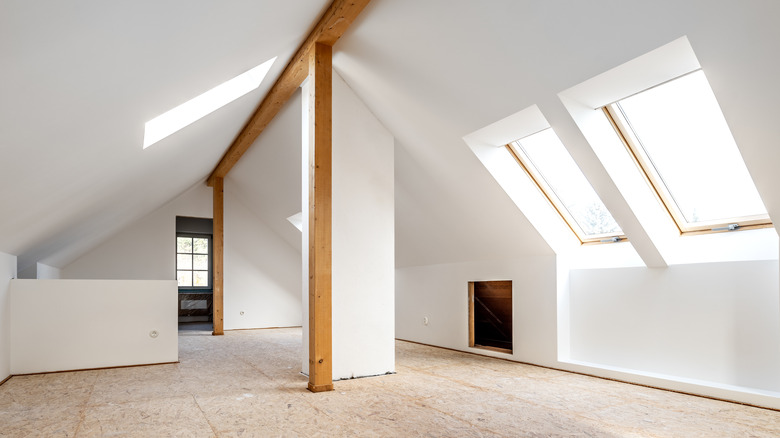
Attic fans play a crucial role in ventilating your attic space, reducing heat buildup, and preventing moisture accumulation. By doing so, they help in lowering indoor temperatures and decreasing the strain on your air conditioning system. For more insights on maintaining your attic space, check out our guide on attic ceiling insulation.
Common Attic Fan Issues
Fan Not Turning On
If your attic fan is not turning on, the first step is to check the power supply. Ensure that the circuit breaker is not tripped and that the fan is properly connected to a power source. If the issue persists, it might be due to a faulty thermostat or motor.
Unusual Noises
Strange noises coming from your attic fan can be annoying and indicate potential problems. These noises could be due to loose or damaged fan blades, debris stuck in the fan, or a worn-out motor. Regular maintenance and cleaning can help prevent these issues.
Overheating
An overheating attic fan might be caused by a malfunctioning motor or improper ventilation. Ensure that the fan’s vents are not blocked and that the motor is in good condition. For more tips on maintaining your attic space, visit our article on attic roof cleaning tips.
Steps for Troubleshooting Attic Fans
Inspecting the Power Supply
Begin by checking the power supply to ensure that the fan is receiving electricity. This involves examining the circuit breaker, power switch, and any visible wiring connections.
Checking the Thermostat
The thermostat controls the attic fan’s operation based on temperature. If the fan is not functioning properly, the thermostat may need adjustment or replacement.
Examining the Motor
A malfunctioning motor can severely impact the fan’s performance. Listen for unusual sounds and check for overheating. If necessary, consult a professional for motor repair or replacement.
Cleaning and Maintenance
Regular cleaning and maintenance are essential for optimal fan performance. Remove any debris and ensure that the fan blades are in good condition. For DIY enthusiasts, our attic organization system guide offers additional tips.
When to Seek Professional Help
While some attic fan issues can be resolved with basic troubleshooting, others require professional expertise. If you’re unable to diagnose the problem or if repairs involve complex electrical work, it’s best to consult a licensed electrician.
Preventive Measures for Attic Fan Maintenance
To prolong the lifespan of your attic fan, regular maintenance is key. This includes cleaning the fan blades, checking electrical connections, and ensuring proper ventilation. For further guidance, explore our tips on attic fire escape planning.
Regular Inspections
Conducting regular inspections helps identify potential issues before they escalate. Check the fan’s components, including the motor, thermostat, and blades, to ensure they are in good working condition.
Seasonal Maintenance
Seasonal maintenance is crucial for optimal fan performance. Clean the fan before summer and winter to remove dust and debris. For renovation ideas, visit the House Mill Design for inspiration.
Frequently Asked Questions
Why is my attic fan making a rattling noise?
A rattling noise could be due to loose components or debris caught in the fan. Inspect the fan for any loose parts and clean it thoroughly.
How often should I clean my attic fan?
It’s recommended to clean your attic fan at least twice a year, before the summer and winter seasons, to ensure optimal performance.
Can I replace the attic fan motor myself?
While some DIY enthusiasts may feel comfortable replacing the motor, it’s generally advisable to hire a professional to ensure safety and proper installation.
This article contains affiliate links. We may earn a commission at no extra cost to you.
